
Automatic fixes: from issue to pull request
The three fix scopes, what Noyaru actually writes to your repository, what it refuses to touch, and how to review a pull request.
This is the heart of the product. An audit that lists 230 issues leaves you with 230 tasks; here, Noyaru opens a pull request that handles them, then checks that they're gone.
Prerequisite: a GitHub repository connected to the project.
The three scopes
The button depends on what you want to fix. All three exist because no two situations are alike.
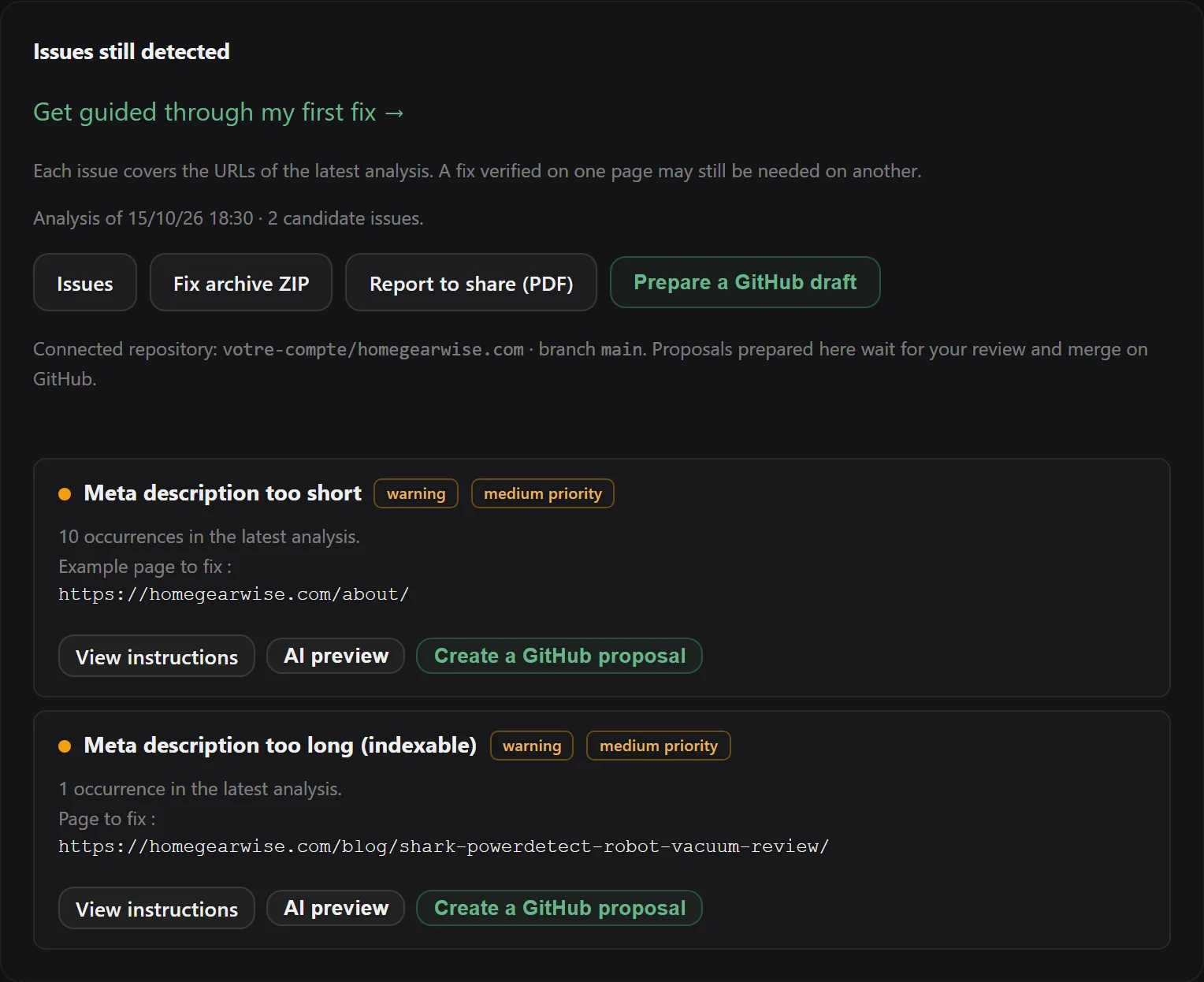
A single occurrence
From an issue's detail page, on a specific URL. Noyaru locates the source file for that page, writes the fix, and opens a PR.
Useful for testing the mechanism on a case you know before trusting it on a larger scale. This is what I recommend for your very first fix.
An entire issue
From the issue's detail page, the full-fix button. Noyaru takes all the affected URLs, traces them back to the source files, and determines whether this is a shared file or page-by-page files.
This is where the product earns its keep. If 300 pages have no meta description because
the template doesn't output it, the fix is one change in one file, and
the 300 lines of the report disappear together.
Everything arrives in a single pull request.
All crawl errors
From the Fixes page, global fix. Noyaru handles all the errors from the latest crawl and groups them into a single pull request.
Powerful, and to be used with your eyes open: the PR is bigger, so it takes longer to review. Your plan's file cap applies, and frequency is limited to five per hour.
How Noyaru finds the file to change
This is the hard part, and the one that separates a useful fix from a random patch.
The product indexes your repository and recognizes the structure of common site generators —
Next.js (App Router and Pages Router), Astro, Nuxt, Gatsby, SvelteKit, Jekyll, Hugo, static HTML
and the Jinja templates of a Flask site, as well as hosting configuration files (netlify.toml, vercel.json, _redirects,
_headers, .htaccess).
Then it makes the distinction that matters: does the issue come from the page or from the template?
On WordPress with Yoast SEO, Ghost, PrestaShop, Wix and Webflow, titles and meta descriptions can be fixed without a repository, from Noyaru: see Compatible CMSs and platforms. For other fixes and other CMSs (Shopify, Squarespace, Systeme.io), follow the guided instructions for each issue, use the exportable reports and, starting with the Solo plan, the fix pack to apply manually.
- A single page affected → that page's file.
- All pages affected → the layout, the
<head>component, or the configuration file.
When nothing matches with certainty, Noyaru stops and tells you. A fix that isn't made is an inconvenience; a fix made in the wrong file is an incident.
What it writes, concretely
SERP tags. title, meta description, h1, alt attributes. Written from the
page's actual content — its topic, its intent, its terms — and sized to the length that
search engines actually display.
Structural signals. Inconsistent canonical, missing reciprocal hreflang,
unintended noindex in meta robots, internal links pointing to a redirect, redirect
loops on the same URL, sitemap entries.
For this second family, the model makes nothing up: the value to write is the one the crawl determined. The model's role is to insert it correctly into your code, not to choose it.
What it refuses to touch
- Editorial decisions. Rewriting an article to make it better isn't an SEO fix, and it isn't what this button does.
- Anything server-side. 5xx errors, slow hosting, certificates: the report flags them, the fixer stays out of it.
- Files outside the list. Only template and configuration extensions can be changed. No binaries, no dependencies, no secrets.
- Fixes that don't hold. A patch that the product can't confirm applies cleanly to the actual file is abandoned, not forced.
Review the pull request
The PR link appears on the fix task, on the project's Fixes page.
What to look at, in order:
- The diff. In the vast majority of cases it's small — a few lines. If it's huge, that's a warning sign, not a success.
- The right file. A layout changed for a template issue: normal. A layout changed to fix a single page: look closely.
- Your checks. Continuous integration and your host's deployment preview, if you have one, run on this PR just as on any other. A preview takes thirty seconds and confirms that the page renders correctly.
Then you merge, or you close. Closing a PR consumes nothing more and leaves no trace in your main branch.
The quota, and how it's counted
One unit = one file written by the model.
That's the only rule, and it has a pleasant consequence: the fix that resolves 300 URLs by touching one template costs one unit. The quota measures the model's work, not the number of lines in the report.
Monthly quotas and the per-fix file cap depend on the plan.
And after the merge?
Noyaru doesn't consider a fix done just because a PR was merged. It waits for the next crawl and checks whether the issue is actually gone.
Frequently asked questions
How is a fix billed?
A file written by the model counts as one unit of your monthly fix quota. A pull request that changes a single template and resolves 300 URLs therefore costs one unit, not three hundred.
What happens if Noyaru can't find the right file?
It changes nothing and tells you so. The product would rather refuse a fix than patch a file at random: a fix applied in the wrong place costs more to undo than never making it.
Can the model make up content?
It writes tags — title, description, alt — from the page's actual content, never from an imagined topic. For structural fixes (canonical, internal link, redirect), the value written comes from the crawl, not from the model.
Can I undo a fix?
In pull request mode, just close it without merging: nothing has touched your main branch. In direct apply mode, it's an ordinary Git revert.
Try Noyaru
Create a project, run a crawl and browse your first report. No credit card required.
Create a free account