
Get started with Noyaru in 15 minutes
The full path from your first account to your first fix: create a project, run a crawl, read the report, connect Search Console and GitHub.
This page follows the actual order of things: each step unlocks the next one. Allow a quarter of an hour of hands-on work, plus the crawl time, which runs without you.
The progress card shown on the dashboard follows exactly these steps and checks off the ones you have completed.
The three essential steps
1. Add the site to audit
From the dashboard, click the Add a site button. A start URL is enough —
https://example.com. Noyaru derives the project name, the allowed domain and
the crawl's start address from it.
One project = one site. If you manage several domains, create one project per domain: the reports, page quotas and fixes are kept separate for each project.
Details and special cases: Add a project.
2. Run the first crawl
On the project page, click the Run the first analysis button. You have nothing to configure for the first pass: the default values suit almost every site.
The crawl runs as a background task. Follow it in Activity, or come back later: you receive the report either way.
What the crawler collects, and how to throttle it: Run a crawl.
3. Read the report and handle the issues
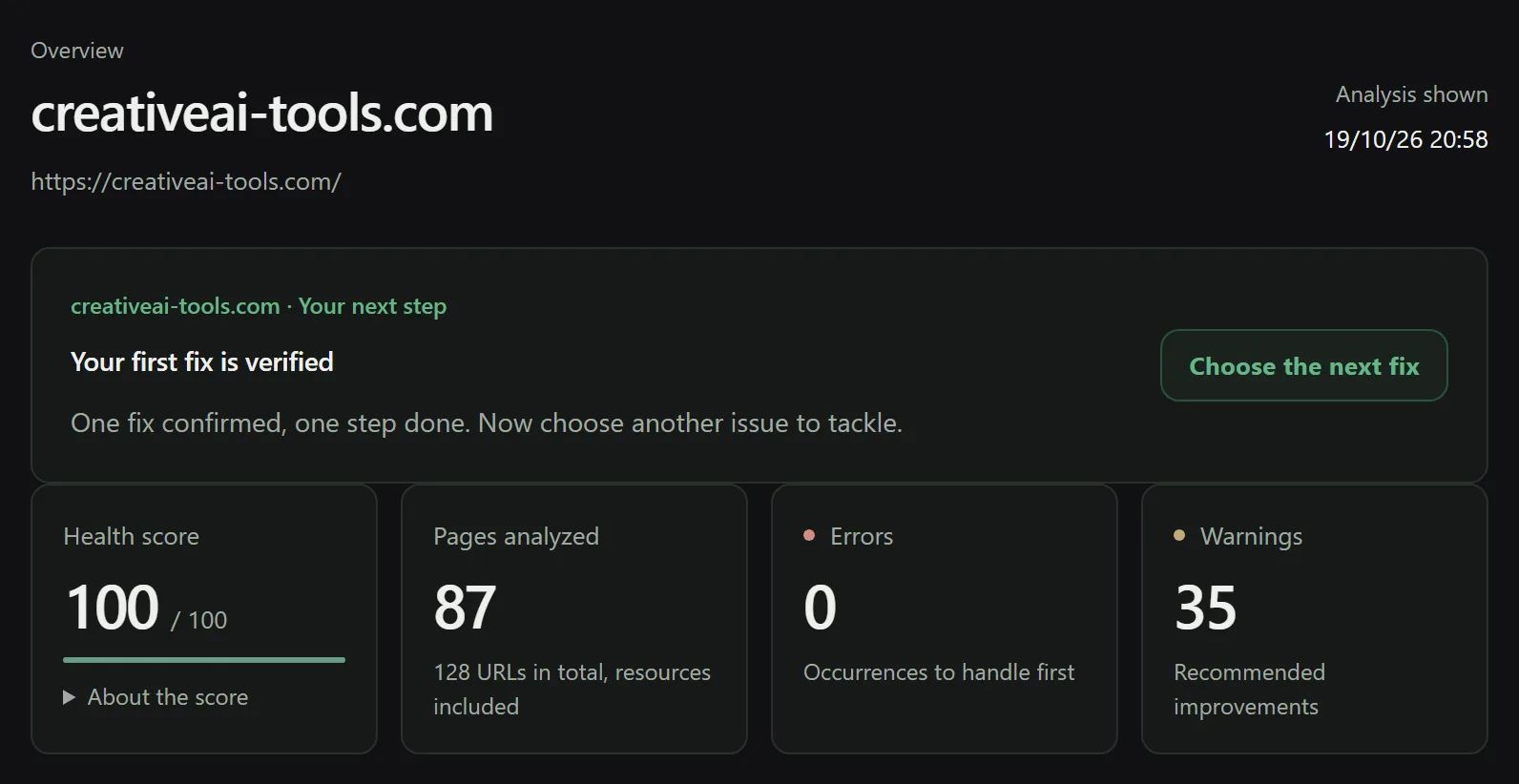
When the crawl finishes, the project page shows the scores, the analyzed pages and the list of issues. That is where the real work begins.
Don't try to fix everything. The Issues page sorts by severity and by the number of affected URLs: a few template fixes often resolve hundreds of rows.
How to prioritize: Read the report and Issues and priorities.
The two connections that change everything
They are optional. They also turn the product from an audit tool into a tool that fixes.
Search Console
Without it, Noyaru knows what your site contains. With it, it knows what Google does with it: impressions, clicks, average position, queries, page by page.
That is what makes the priorities credible. A missing meta description on a page with 12,000 impressions and one on an archive page with zero impressions stop being the same problem.
GitHub
This is the core feature of the product. Once your site's repository is connected, Noyaru no longer just flags an issue: it writes the fix in your code, opens a pull request, and checks on the next crawl that the problem is really gone.
You stay in control: nothing is merged without you.
→ Connect GitHub, then Automatic fixes
No Git repository?
On WordPress with Yoast SEO, Ghost, PrestaShop, Wix and Webflow, Noyaru fixes titles and meta descriptions directly: Compatible CMSs and platforms. For everything else, and on Shopify or with an inaccessible repository, the fix-pack exports ready-to-paste fixes, along with the instructions. You lose the automation, not the fixes.
What you can do next
| You want to… | Go to |
|---|---|
| Know which pages to rework first | Keyword opportunities |
| Understand your Core Web Vitals | Track performance |
| See the topics your competitors cover and you don't | Analyze competitors |
| Work on your backlinks | Backlinks |
| Stop running crawls by hand | Automate audits |
| Produce a report for a client or an executive | Exports and reports |
| Know your plan limits | Plans and quotas |
The assistant, if you're stuck
The AI assistant button at the bottom right of the app knows the context of the page you are viewing. Ask it your question in your own words — “why is this page set to noindex?”, “what is a canonical?” — rather than searching the documentation.
The number of messages counts toward your monthly quota, which varies by plan.
Frequently asked questions
Do I need to connect GitHub to use Noyaru?
No. The audit, the report, the issues and the exports all work without any connection. GitHub is only needed to fix the code automatically through a pull request. Without a repository, you can download a fix pack and apply the fixes by hand.
How long does a first crawl take?
From a few minutes for a brochure site to several hours for a large catalog. The crawl runs in the background: you can close the tab, the analysis keeps going, and the Activity screen shows its progress.
Can the crawl slow down my site?
The crawler respects robots.txt and the crawl-delay directive, and limits the number of simultaneous requests per host. You can lower the pace even further in the project's analysis settings if your hosting is fragile.
Try Noyaru
Create a project, run a crawl and browse your first report. No credit card required.
Create a free account